Choose which records and fields to keep. Work with saved samples beside the pipeline to see
what each step adds, changes, or drops before the data reaches a destination.
Explore parsing, enrichment, tests, and review using sample web and firewall logs from a
running Smeltr installation. Open any screenshot for a closer look.
1 · Parse
Turn a line of text into useful fields.
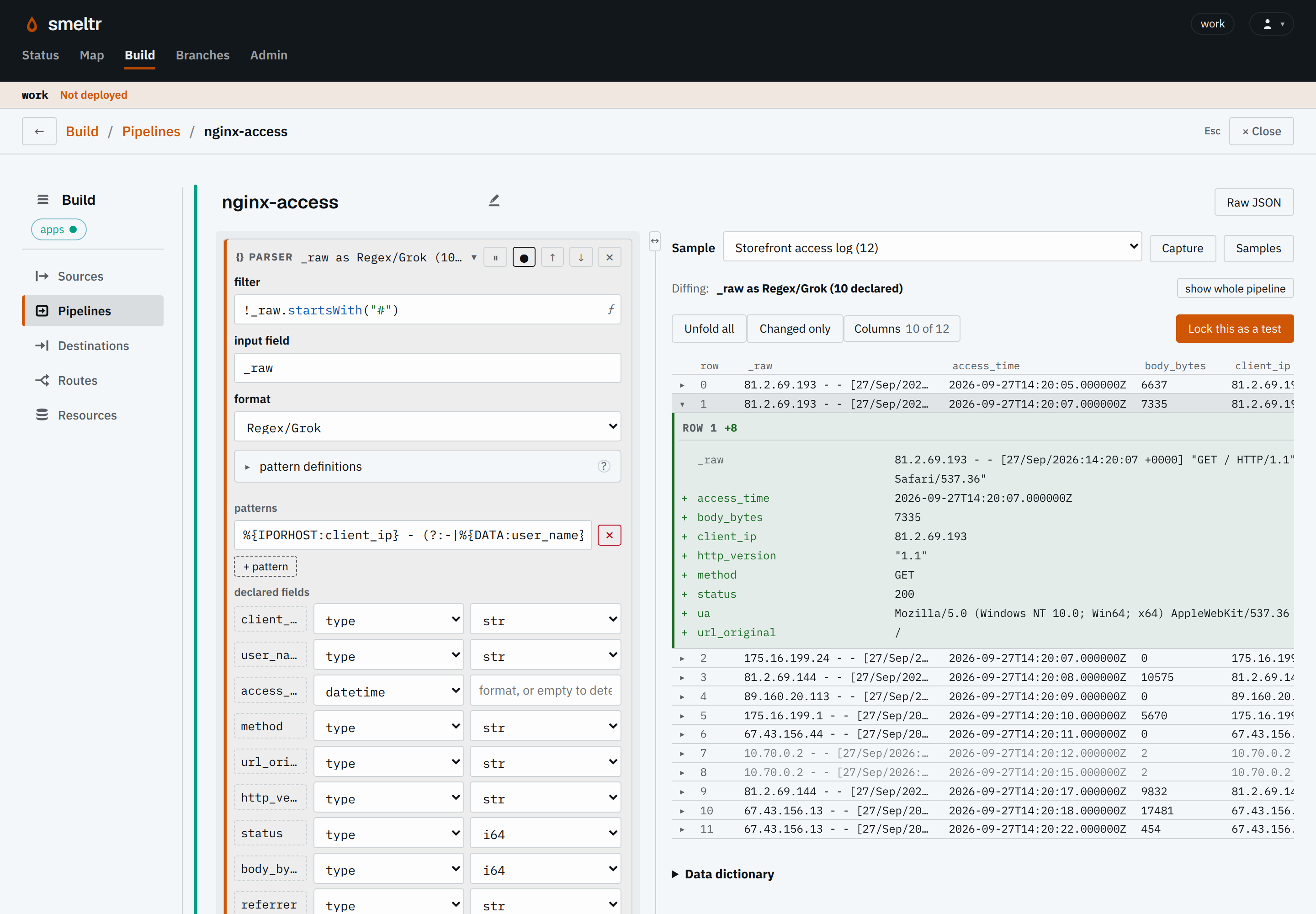
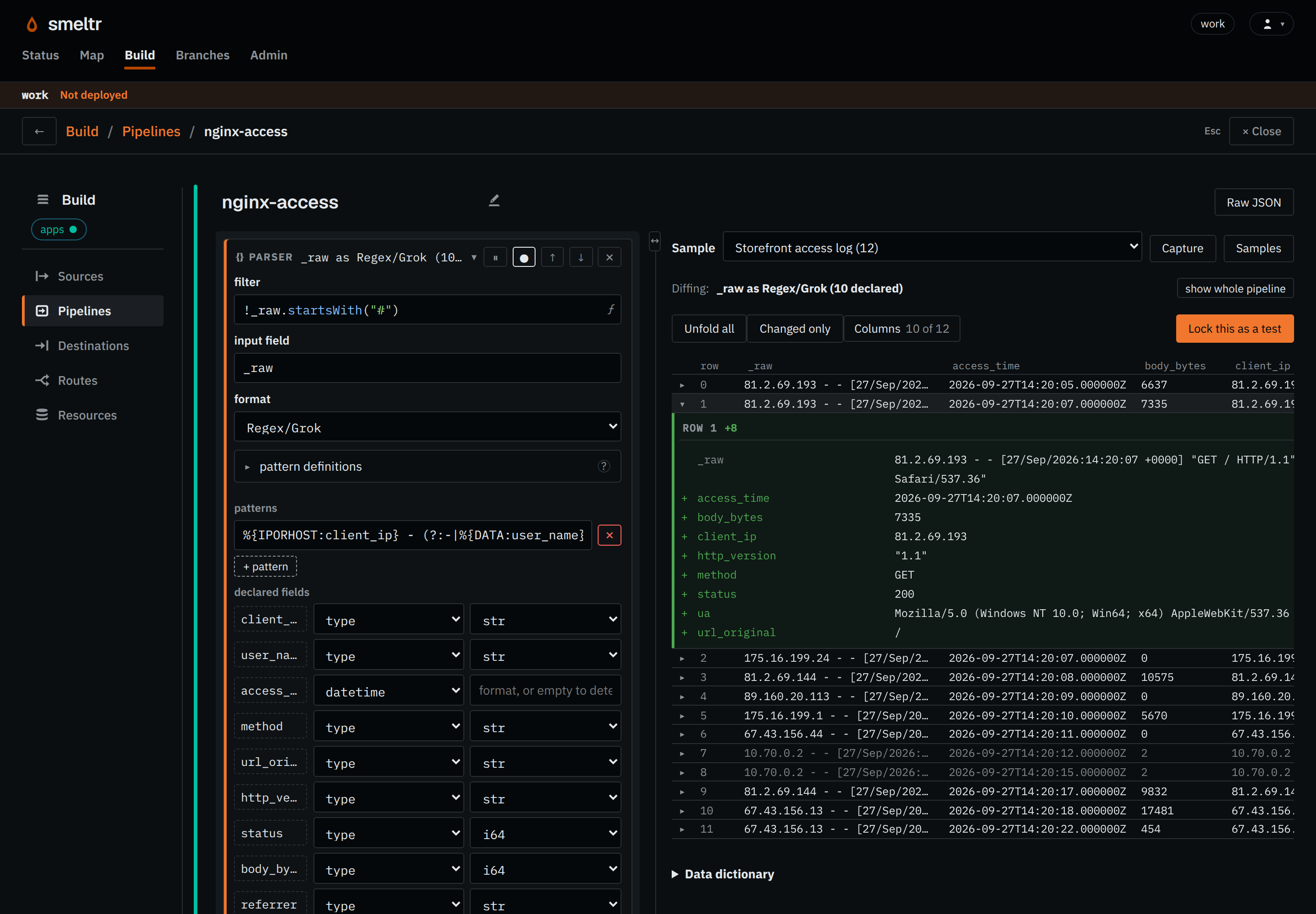
This web-log parser extracts the client address, request method, status, and other fields.
Its settings sit beside the sample output. Green additions show exactly what the step
produced.
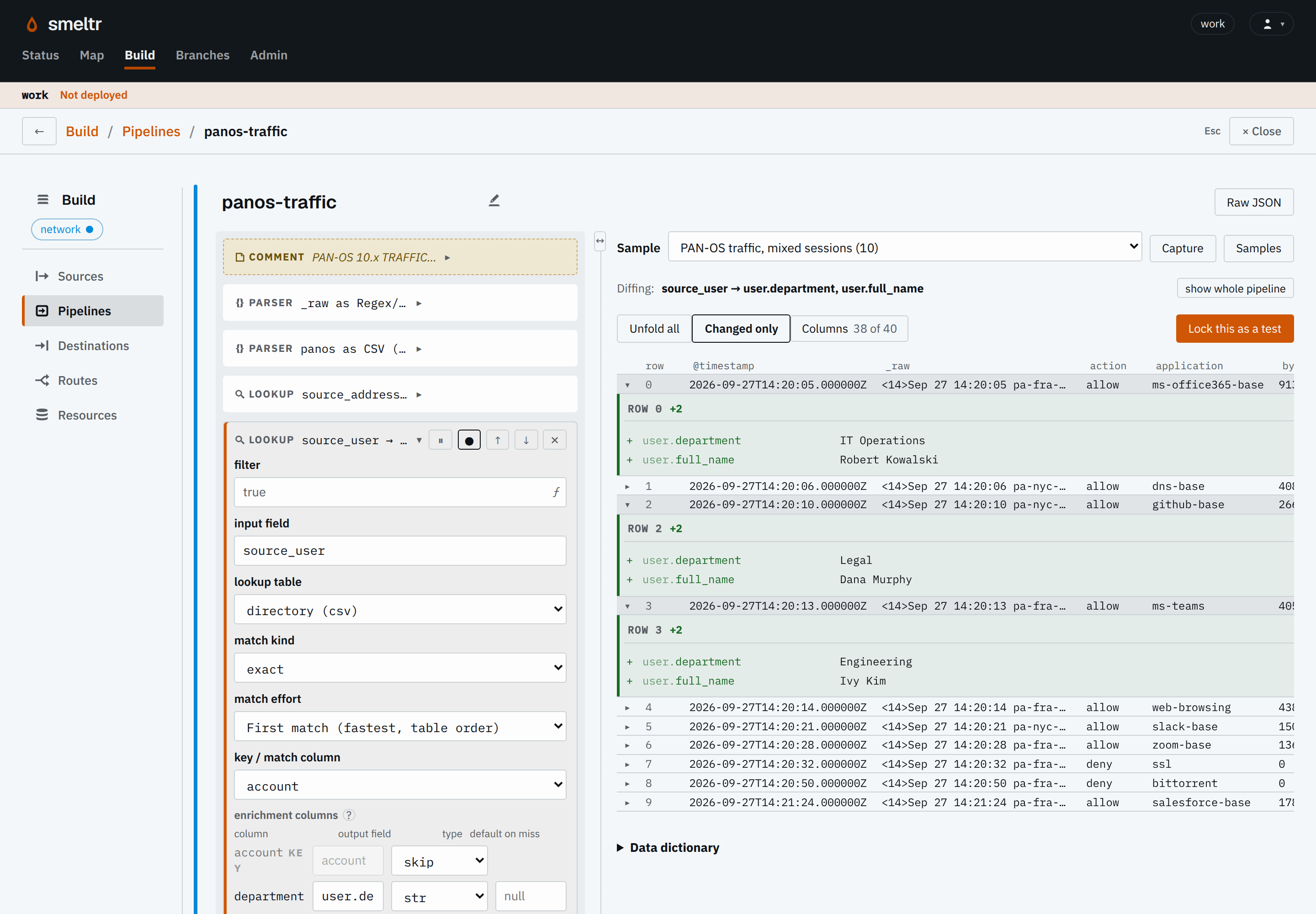
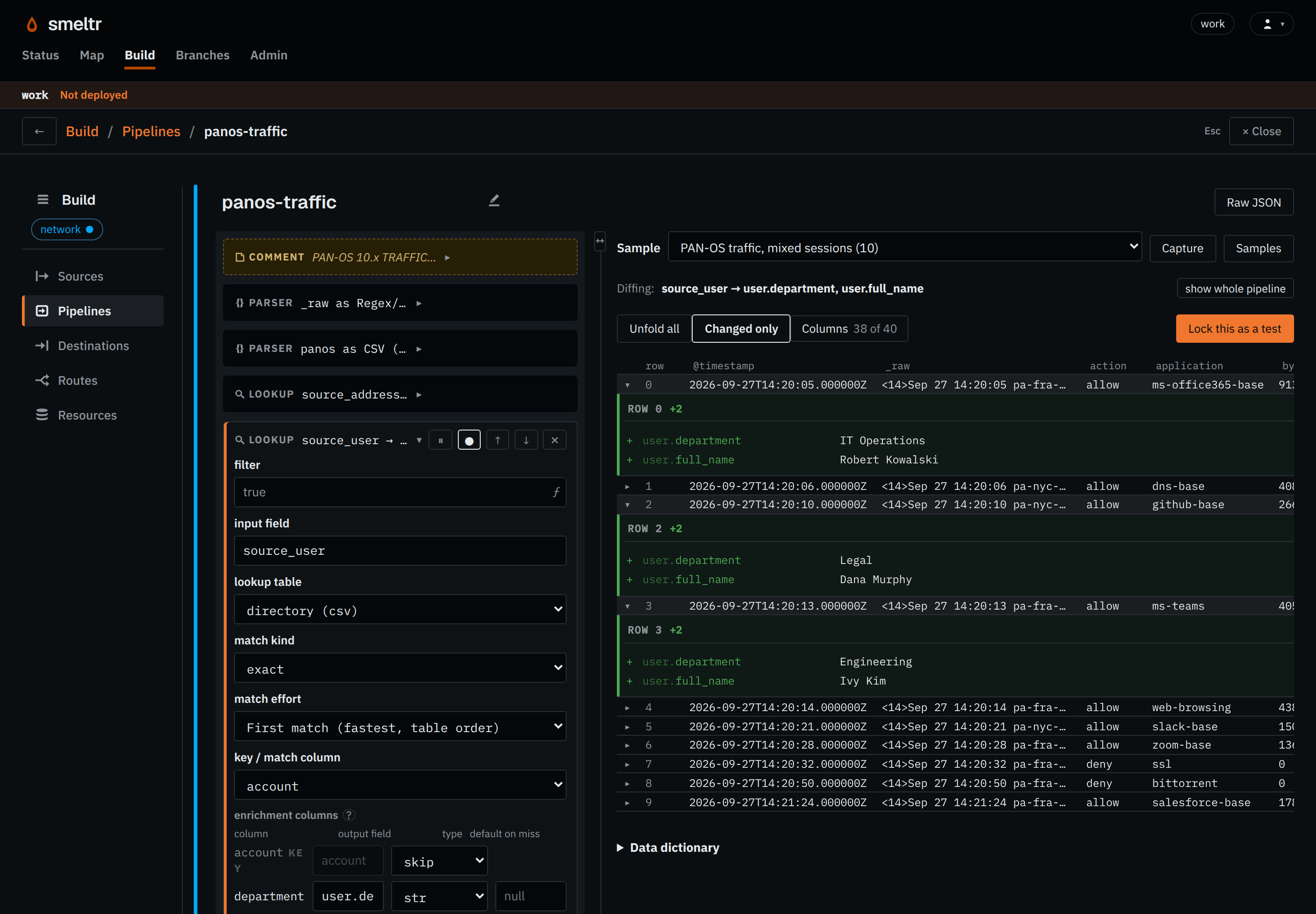
In this firewall pipeline, a directory lookup uses the recorded username to find a
department and full name. Select the lookup step to see the fields it adds to each matching
record.
Choose Lock this as a test in the editor to save the expected result. A regression
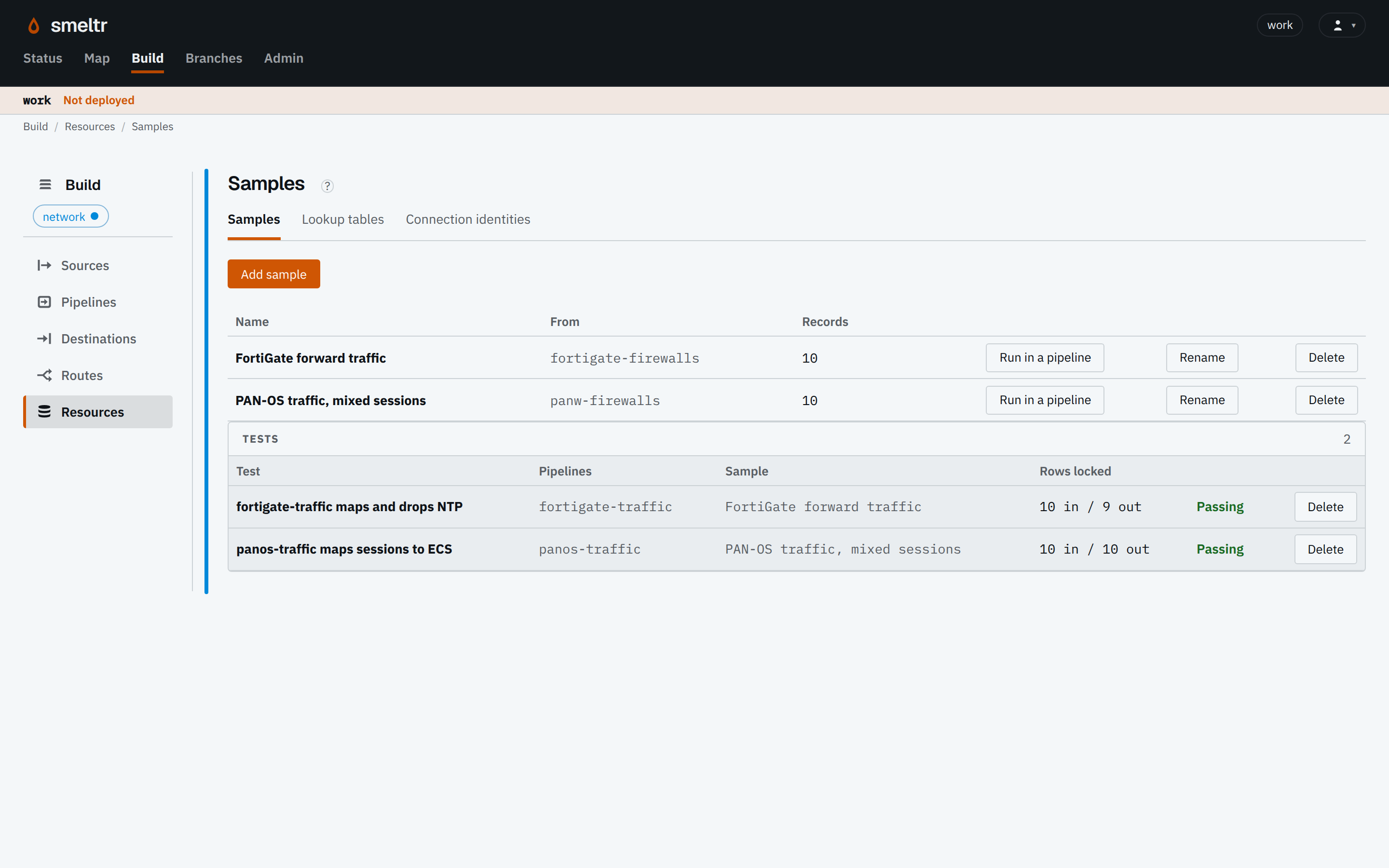
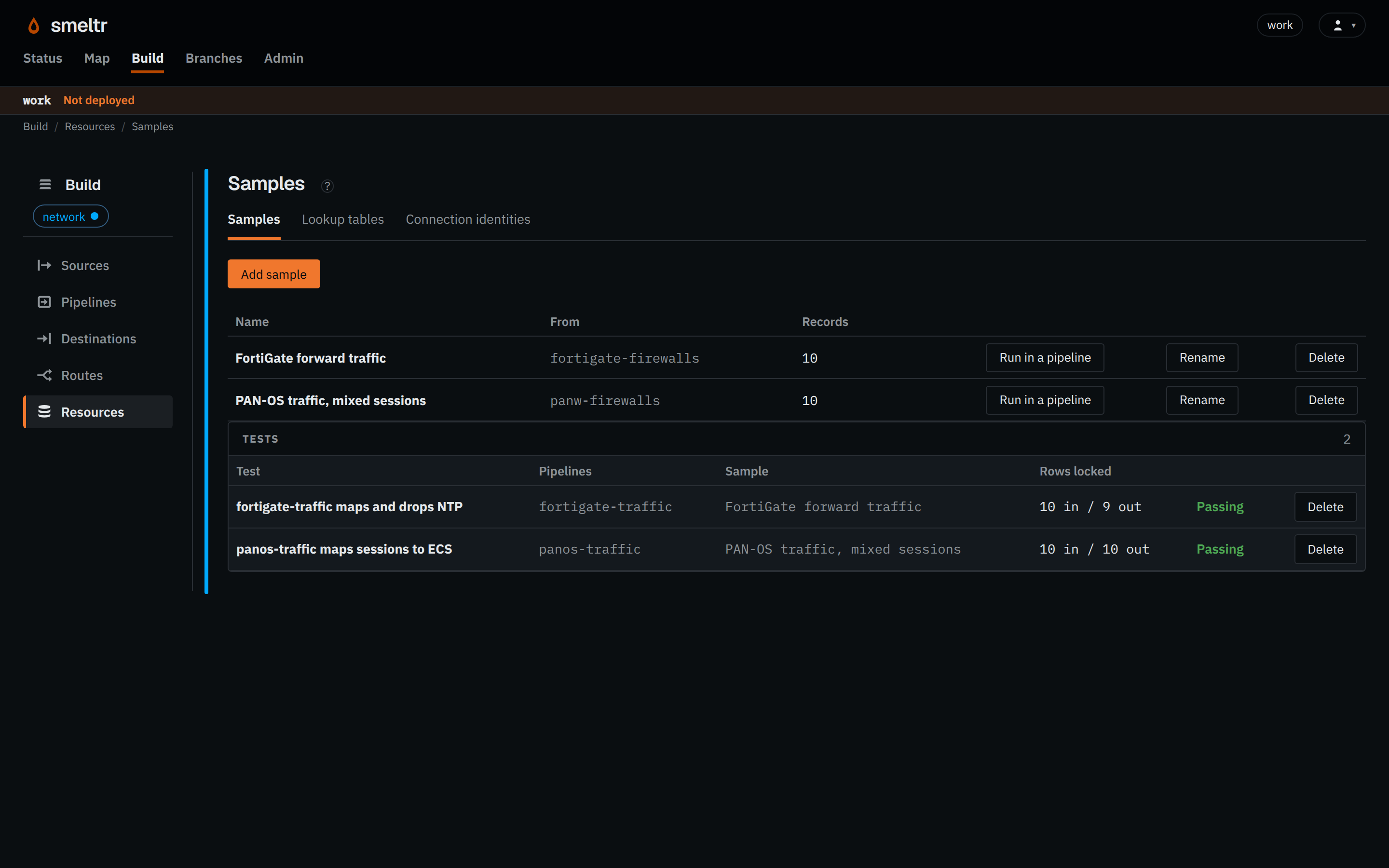
test checks that later edits still produce that result, including which records the pipeline drops.
Here, both saved firewall tests are passing.
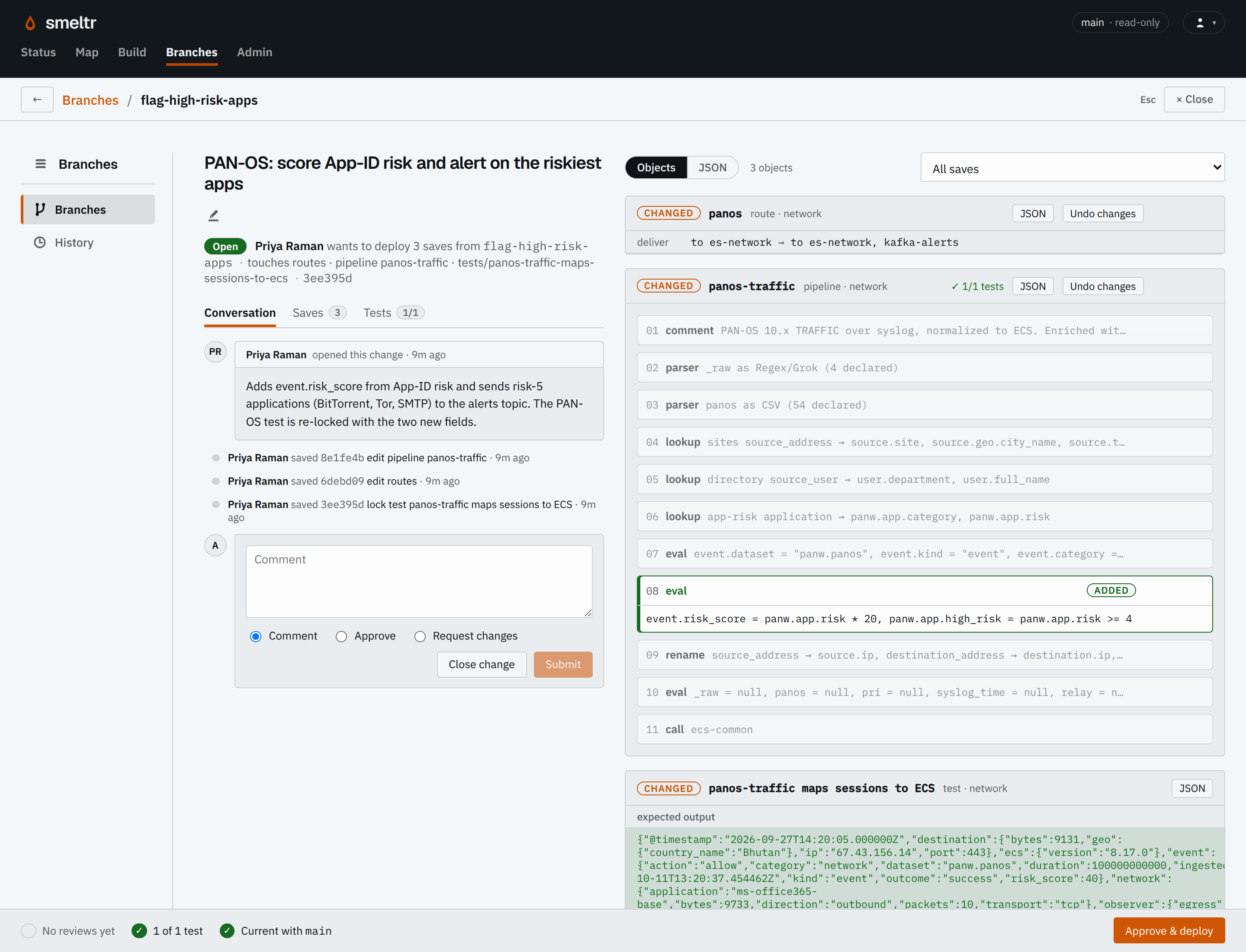
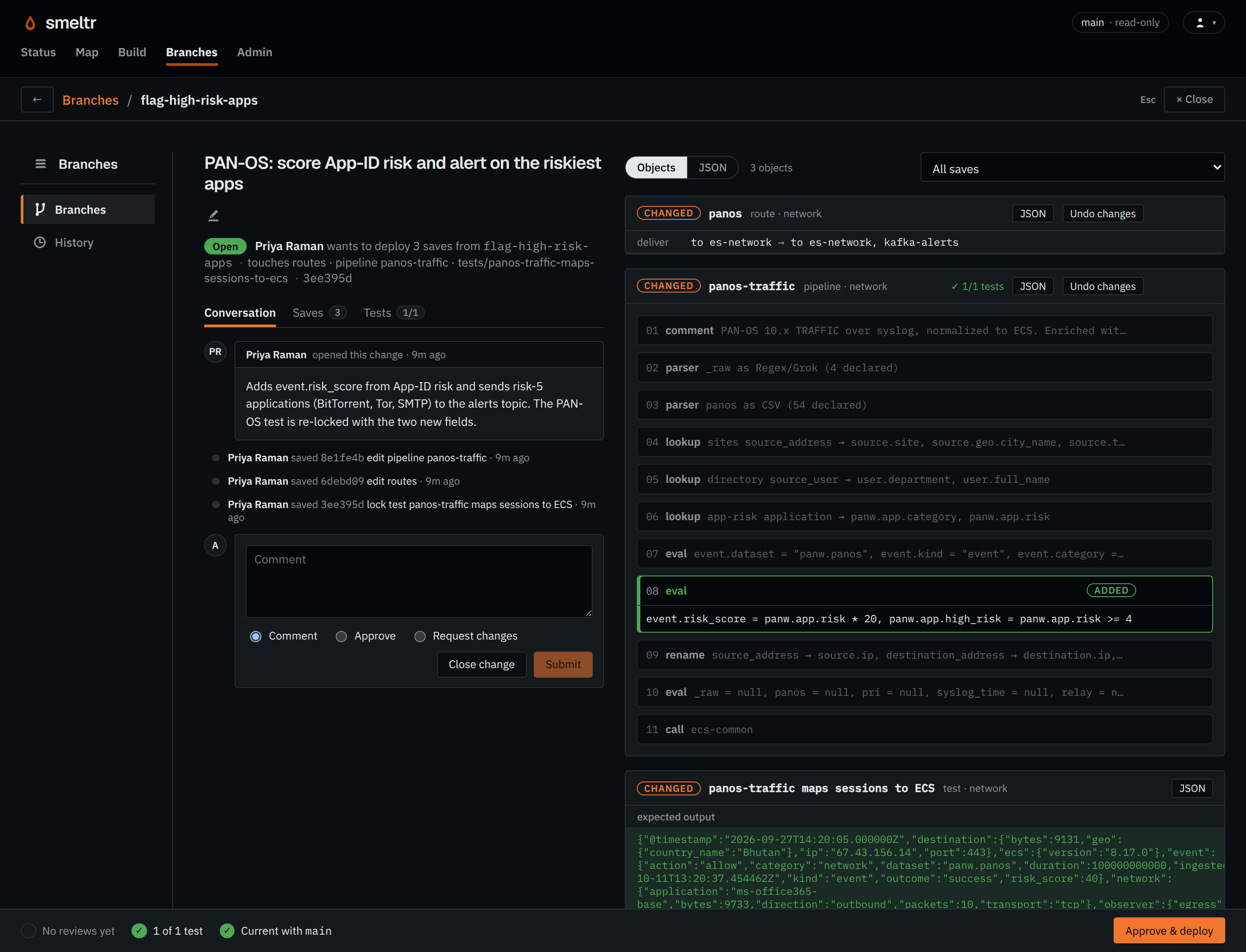
Work on a Git branch, then open a change to review its diff and test results. This firewall
change adds one step and passes its test. Choose Approve & deploy to
merge into main, then check Status to confirm each intended worker runs the new
commit.
Suppose your team needs order and error events, but not routine health checks or debug fields.
A Drop step removes health-check records. An Eval step clears the unused fields from the
records you keep. The result is two smaller records ready for delivery.
3 records in · 2 records out · debug fields removed
In an existing Smeltr installation, build a small pipeline, lock its output as a test, review
and deploy it, then verify the worker's commit and the delivered record. The tutorial supplies
the input, expressions, and checks for each step.
 Open complete screenshot ↗
 Open complete screenshot ↗