Delivery
Smeltr advances a source's reading position after every chosen destination accepts the record or completes the configured action for a refused record. Smeltr retries unreachable destinations. These rules apply across destination types.
Delivery at a glance
Each destination writes the record in its own format. An unreachable destination can keep the source paused until delivery succeeds. For records a destination refuses, the configured action determines what happens next.
Hold and retry
When a destination is unreachable, delivery retries. Connection failures, authentication failures, and throttling need attention at the receiving service or its connection settings. As buffers fill, Smeltr pauses the input streams sending records to that destination. Sources with independent delivery paths can continue.
For Kafka inputs, Smeltr saves its reading position only after the required deliveries finish or the drop action discards the record. While the source is paused, Smeltr reads nothing more from Kafka, so records it has not read wait there for as long as the topic's retention keeps them. Allow enough for the outage and the time needed to catch up. Worker memory has a fixed limit and does not replace this storage. Smeltr cannot reread local logs and metrics from a retained Kafka topic.
An unreachable destination does not automatically switch to a standby destination. Dead-letter delivery handles records that a destination refuses, using its configured refusal action.
Handle refused records
A record a destination cannot accept is Refused. Examples include a mapping
conflict, an oversized message, or a text record missing its required field. An answer is the configured action for that refusal: block, deliver, or drop. Set
the group's answer under Exceptions on the Routes page, or one destination's
under Exceptions in its card.
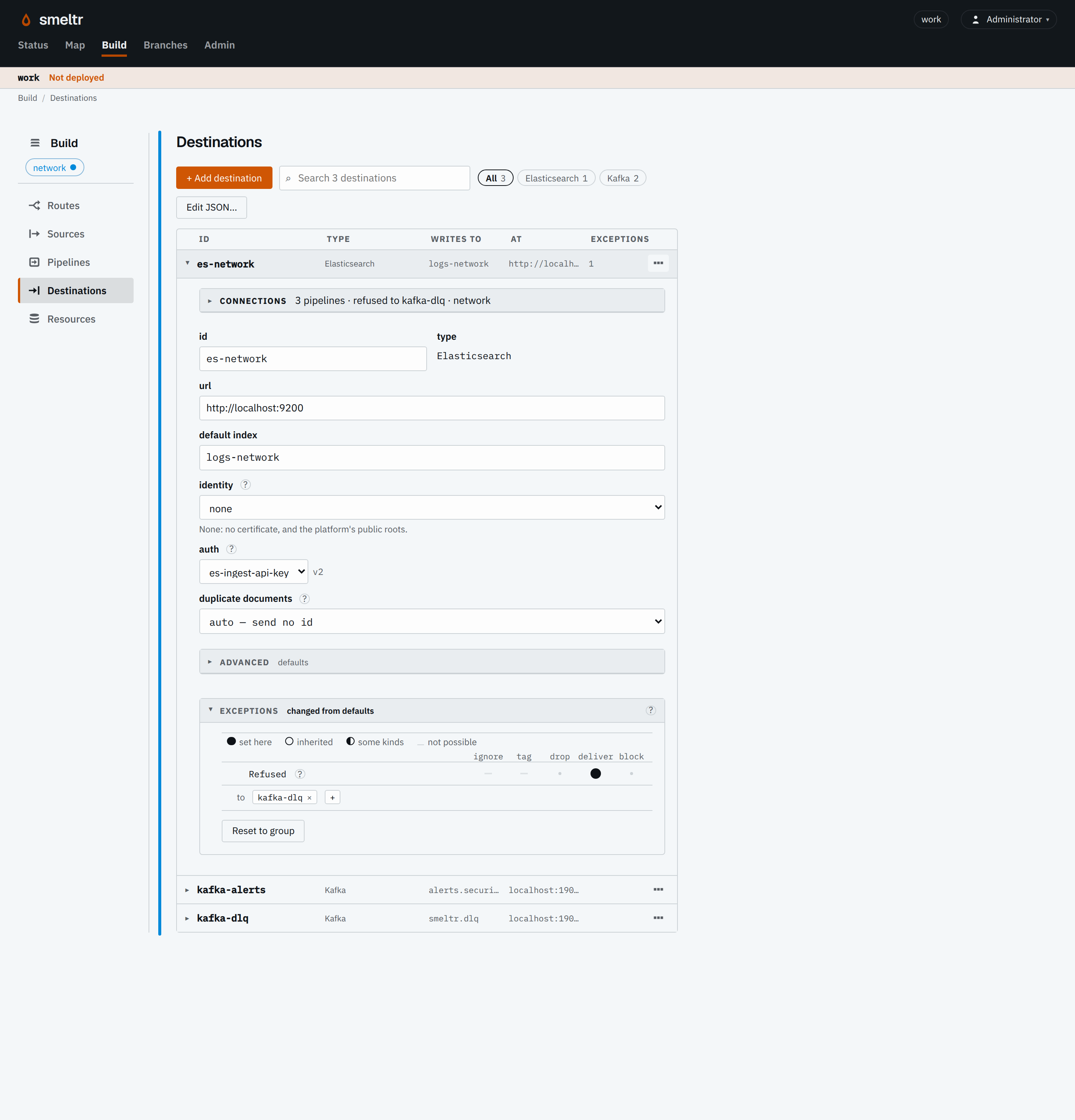
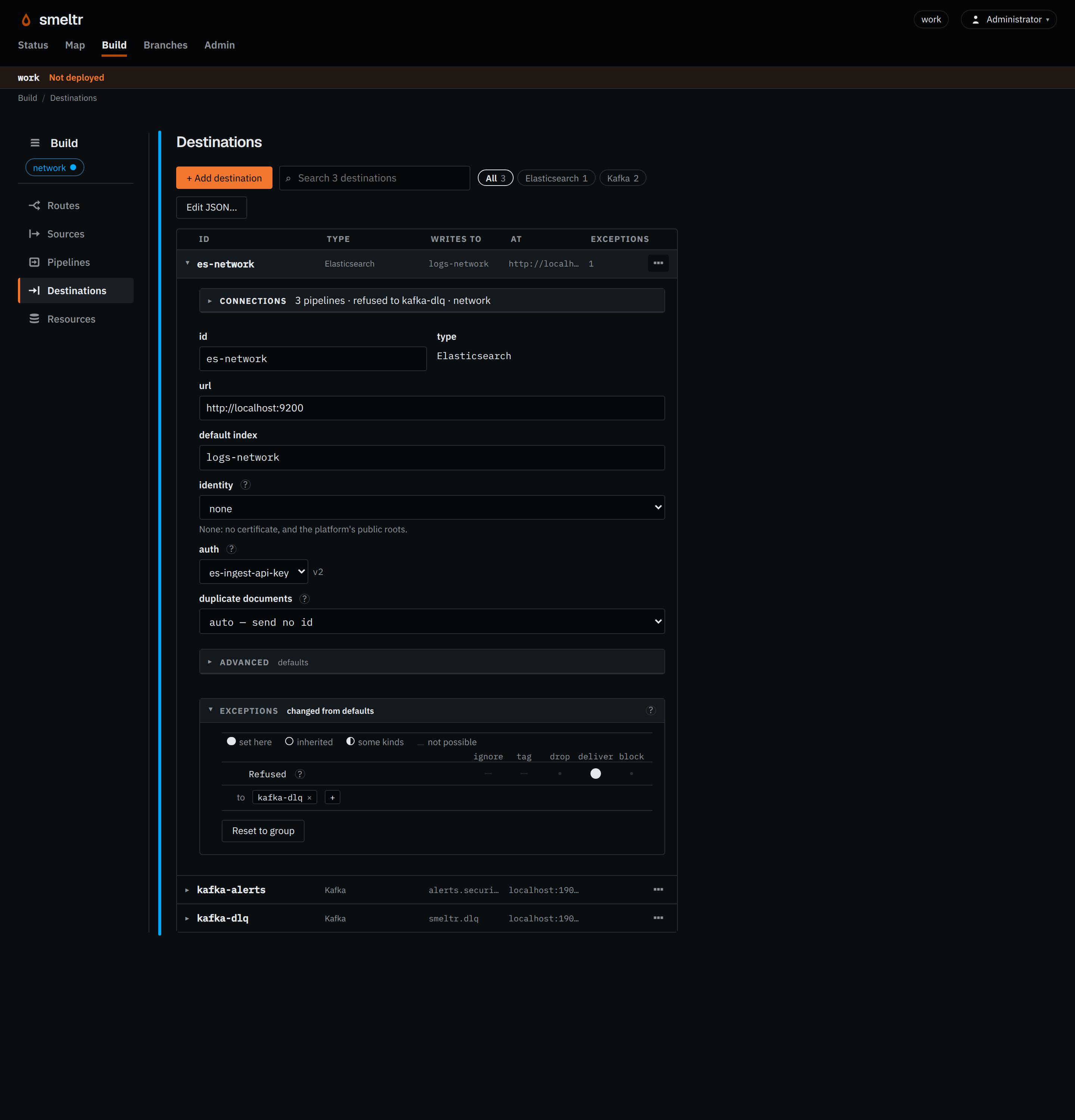
- block (default): keep the record and send it again while the source waits.
- deliver: send it to the destinations you pick, where it stays for investigation and later replay. Each must be configured and reachable.
- drop: count the refused record and continue.
A connection or authentication failure needs its own fix. A refusal action does not repair an unreachable service. Use pipeline filtering for records you intentionally want to discard.
Keep refused records for investigation
You can send a refused record to another destination, such as a Kafka topic, so you can inspect it and try sending it again after fixing the problem. This is often called a dead-letter queue. Any normal Smeltr destination can serve this role: you designate it by selecting it for the deliver action. Prepare the destination and its credentials before deploying the change.
If you pick several destinations, all of them must confirm acceptance. For a Kafka source, Smeltr waits for these confirmations before saving its reading position past that record. You still need to investigate why the original destination refused it.
If the destination for refused records also fails
If it is unreachable, Smeltr retries and can pause the input streams sending records to it as buffers fill. If it refuses the record, its own configured action applies: block, deliver elsewhere, or drop. You can pass records through several destinations, but the path must never loop back to an earlier one. Each destination along the path writes the record in its own format.
Inspect a saved record before planning replay. It holds the record in the format of the destination that kept it.
Recover and replay
After fixing a connection or receiving service, watch delivery resume and the source backlog drain. Records saved for investigation stay there until you arrange to send them through again, a process called replay. Smeltr does not automatically send them back to the original destination.
- Inspect the refusal and a saved record. Fix the mapping, pipeline, permissions, or capacity that caused it.
- Choose which saved records to retry. If they are in Kafka, use a separate source and consumer group, and select an explicit range of record positions or times. See Kafka source reads. Keep the retained records until you verify recovery.
- Build the recovery route on a branch. Use saved samples to test its output and delivery conditions. Send records to the intended destination and check that the route cannot feed them back into the same input topic.
- Plan for redelivery. Preserve stable document IDs when using Elasticsearch dedupe or overwrite, and check how downstream consumers handle duplicates.
- Review and deploy the recovery route. Verify the worker commit, actual destination records, rejection counts, and remaining backlog before widening the replay window.
- Retire the temporary recovery route after you have accounted for its selected records.
For missing output, follow No records arriving. To check a working path end to end, use the tutorial's delivery check.