External Git host
Repository hosting
The leader manages one Git repository for the fleet at <data-dir>/repos/config.git. Workers fetch it over the leader's HTTPS
endpoint using their enrolled credentials and configured TLS trust. The worker endpoint serves
reads; configuration changes go through the Smeltr UI.
Install Git on the leader host: it uses git http-backend to serve the repository.
Workers use a built-in Git client and do not need a separate Git installation. Preserve each
worker's state directory so its local repository and cached configuration survive restarts. See leader installation and worker enrollment.
Follow a Git host
The leader can follow a repository on a Git host. The host's main is then what the fleet
runs, and review and merge happen on the host. The leader keeps its own repository and goes on serving
workers from it; workers never reach the host and never hold its token.
- Saves go out. A save in the Smeltr UI is a commit on the leader at once, which the leader then pushes to the host's branch of the same name. Branches shows each branch's push state.
- Main comes in. The leader fetches the host on a timer and on Sync now. When the host's
mainmoves, the leader loads every worker group at the new commit and deploys it only if all of them load. A commit that does not load leaves the fleet on the last one that did, and Status reports Remote not followed with the reason until a later sync succeeds.
Connect a host
Set the remote under Admin → System → Git remote:
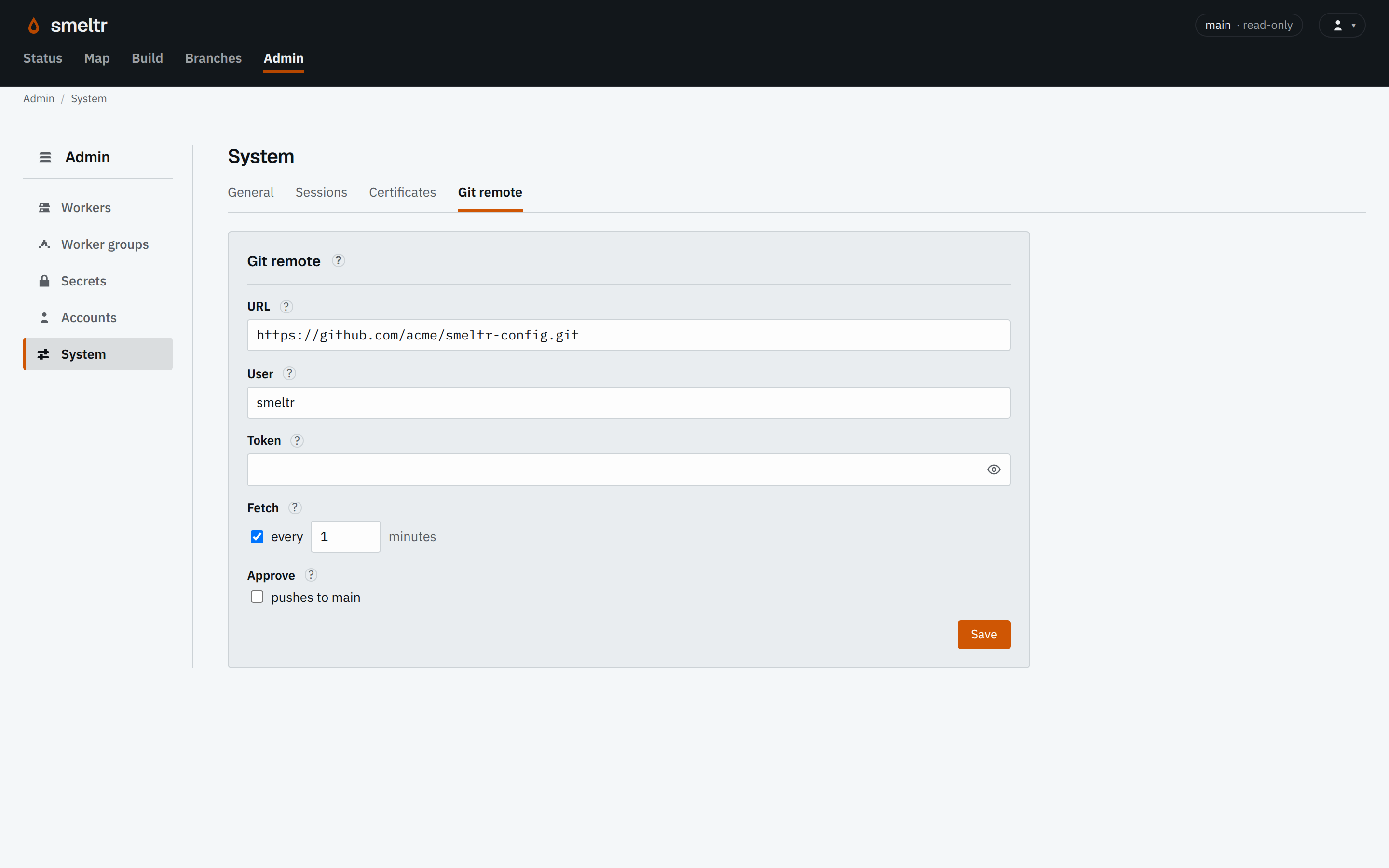
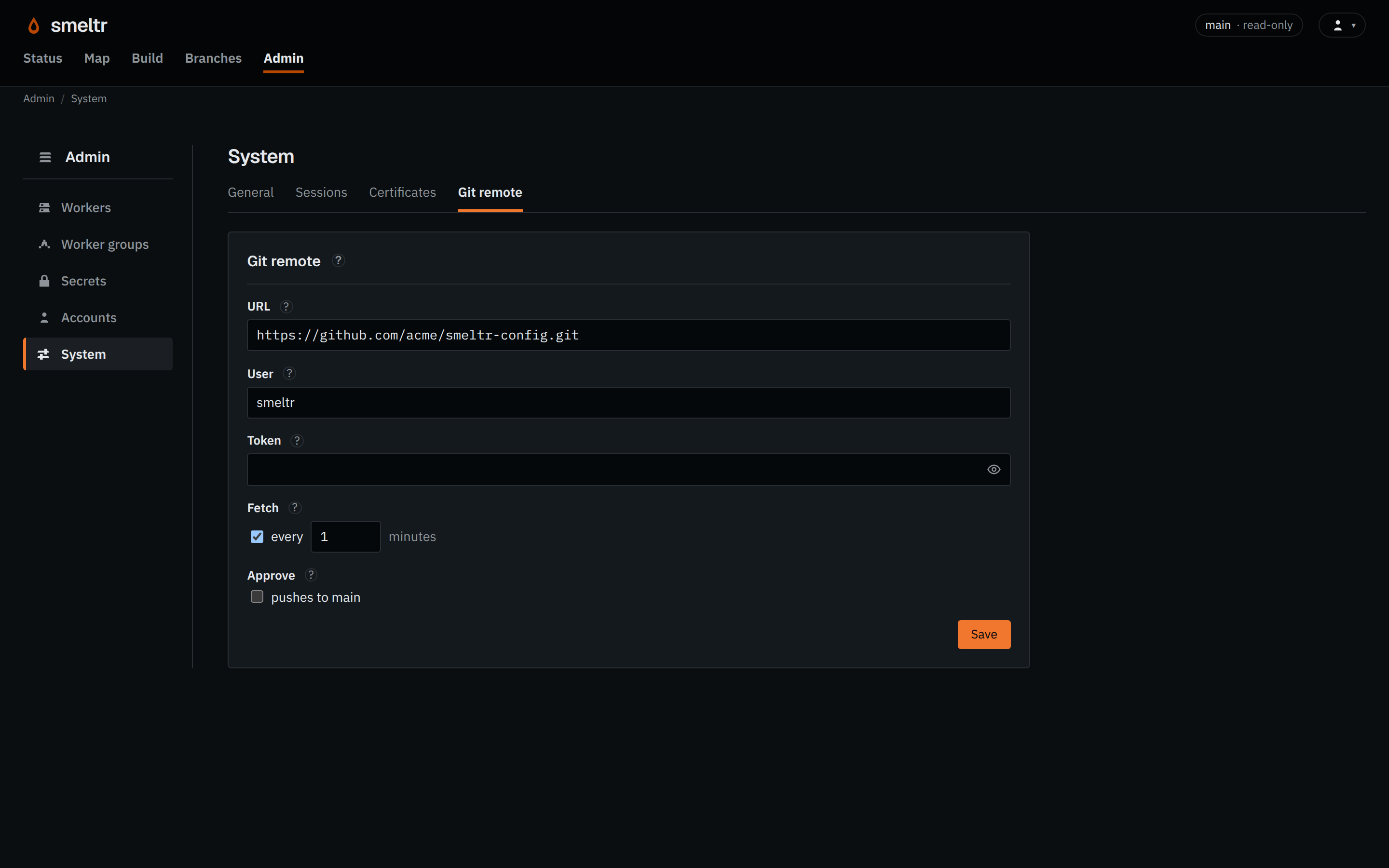
| Setting | What it holds |
|---|---|
| URL | The repository's HTTP or HTTPS clone URL. The leader does not support SSH. |
| User | The name the leader sends the token with. Use the name your host takes with a token. |
| Token | An access token that can read the repository and push branches to it, Git LFS included. The leader stores it encrypted, never shows it again, and forgets it when the URL changes. |
| Fetch | How often the leader fetches the host, every 1 to 1440 minutes. Off, it fetches only on Sync now. |
| Approve | Its pushes to main box, off by default. See Approve with a remote. |
Connected to an empty repository, the leader pushes its own main there first. The
leader follows a repository that already has a main from then on.
Branches and refused pushes
Branches go from the leader to the host, never back: edit a Smeltr branch in the UI, not on the host. A save waits for nothing on the host; while the host cannot be reached, its branch shows not pushed and the leader pushes it when the host answers. If someone else pushed to that branch on the host, the push is refused rather than dropping their commits. Branches then shows both tips, and Overwrite remote puts the leader's branch there anyway.
Approve with a remote
With pushes to main clear, Smeltr does not offer Approve: merge the branch on
the host, and the leader deploys the result once it follows it. Checked, Approve squashes the
change, pushes it to the host's main, and deploys it once the host takes it. A host
that protects main, or whose main moved since the last sync, refuses the
push; nothing moves, and Approve shows the host's reason.
Lookup files
Lookup files travel by Git LFS. Pushing a branch uploads its lookup files to the host's LFS server first, so a clone with git-lfs has every file. When a commit from the host names a lookup the leader lacks, the leader downloads it from that server and checks it against its pointer before it loads it. Commit lookup files on the host with git-lfs, or upload them through Smeltr: the leader refuses a lookup committed as a plain file.