Pipeline reference
If step
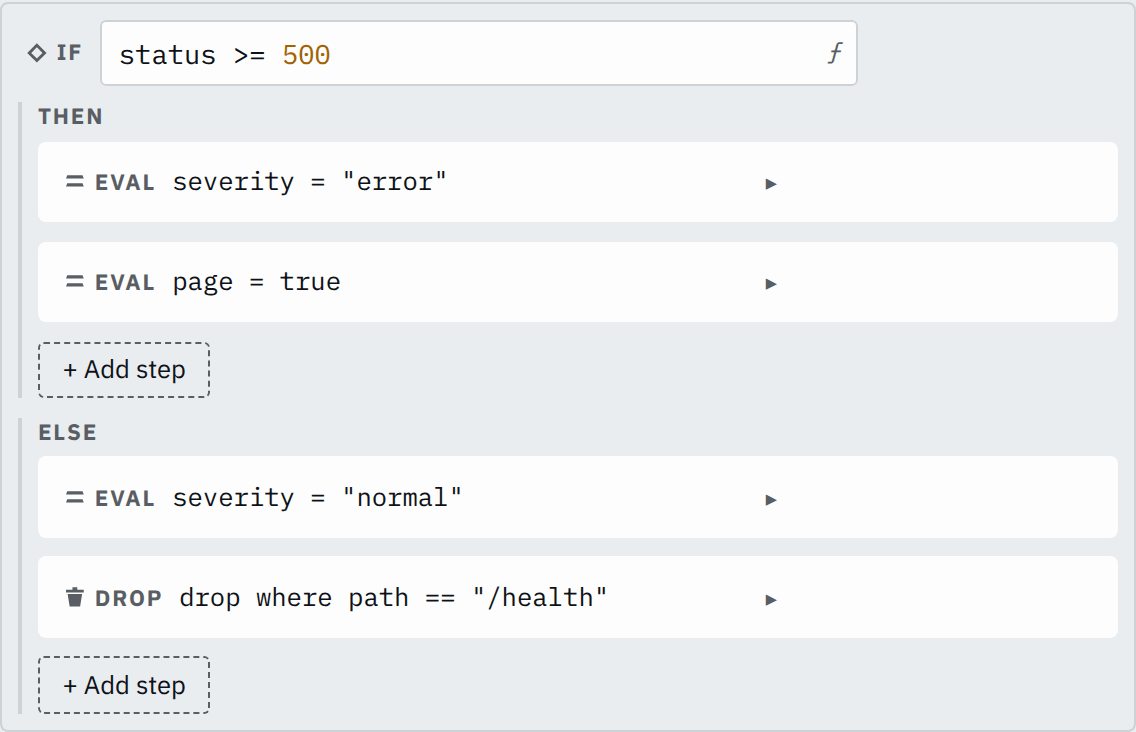
An If step reads a condition on each record and runs its then steps where the condition is true and its else steps everywhere else.
Each branch, then or else, is a step list of its own, which you edit inside the If step's card.
Example
Step

Saved JSON
{
  "id": "branch",
  "type": "if",
  "condition": "status >= 500",
  "then": [
    {
      "id": "severity-error",
      "type": "eval",
      "assignments": [{ "target": "severity", "expr": "\"error\"" }]
    },
    {
      "id": "page",
      "type": "eval",
      "assignments": [{ "target": "page", "expr": "true" }]
    }
  ],
  "else": [
    {
      "id": "severity-normal",
      "type": "eval",
      "assignments": [{ "target": "severity", "expr": "\"normal\"" }]
    },
    {
      "id": "drop-health",
      "type": "drop",
      "condition": "path == \"/health\""
    }
  ]
}
Input
{
  "status": 503,
  "path": "/pay"
}
{
"status": 200,
"path": "/home"
}{
"status": 200,
"path": "/health"
}Output
{
  "status": 503,
  "path": "/pay",
  "severity": "error",
  "page": true
}
{
"status": 200,
"path": "/home",
"severity": "normal"
}The parser declares status as i64 and path as str. The 503 record takes the then branch; the two 200 records take the else
branch, where the Drop step removes the /health record.
Settings
It also takes an id, as every step does.
condition expression required
A bool expression. A null condition reads false. Any other type is refused when you save.
status >= 400status >= 500 || status == 429then list of steps default none
The steps for records where the condition is true.
[{"id": "mark","type": "eval","assignments": [{"target": "failed","expr": "true"}]}]else list of steps default none
The steps for every other record.
[{"id": "quiet","type": "drop","condition": "true"}]How it works
A record runs the steps of one branch, then continues with the step after the If step. An empty branch leaves its records unchanged.
A branch can hold any step but Unroll, including another If step; an Unroll step in a branch is an error when you save. It changes how many records there are, and a record that takes the other branch has no item of the array. Unroll before the If step, then select the new records with the If step's condition or a Drop step. A Drop step in a branch removes only records on that branch.
If step or step filter
Every step but If and Comment has a filter. A filter selects the records that one step processes; the other records pass that step unchanged. An If step selects records for a whole list of steps, and gives the other records a list of their own.
A step inside a branch can also have a filter. It then processes the records where both the branch's condition and its filter hold.
Null and missing fields
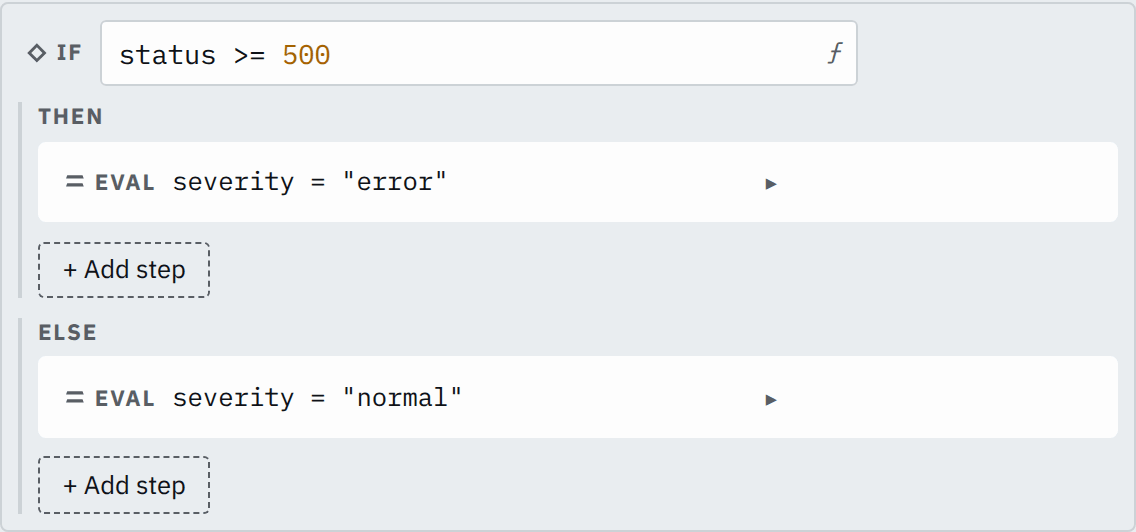
A condition that is null is not true, so the record takes the else branch. A record without status does:
Step

Saved JSON
{
  "id": "branch",
  "type": "if",
  "condition": "status >= 500",
  "then": [
    {
      "id": "severity-error",
      "type": "eval",
      "assignments": [{ "target": "severity", "expr": "\"error\"" }]
    }
  ],
  "else": [
    {
      "id": "severity-normal",
      "type": "eval",
      "assignments": [{ "target": "severity", "expr": "\"normal\"" }]
    }
  ]
}
Input
{ "path": "/pay"}Output
{ "path": "/pay", "severity": "normal"}